
ControlByWeb puts a full-featured control and monitoring system right in your web browser, no desktop software or paid cloud subscription required. Whether you’re on a laptop, tablet, or smartphone, you get instant, secure access to all your I/O points, schedules, and data logs. Here’s how it works and what you can do right from your browser.
Pure Web‑Based Access
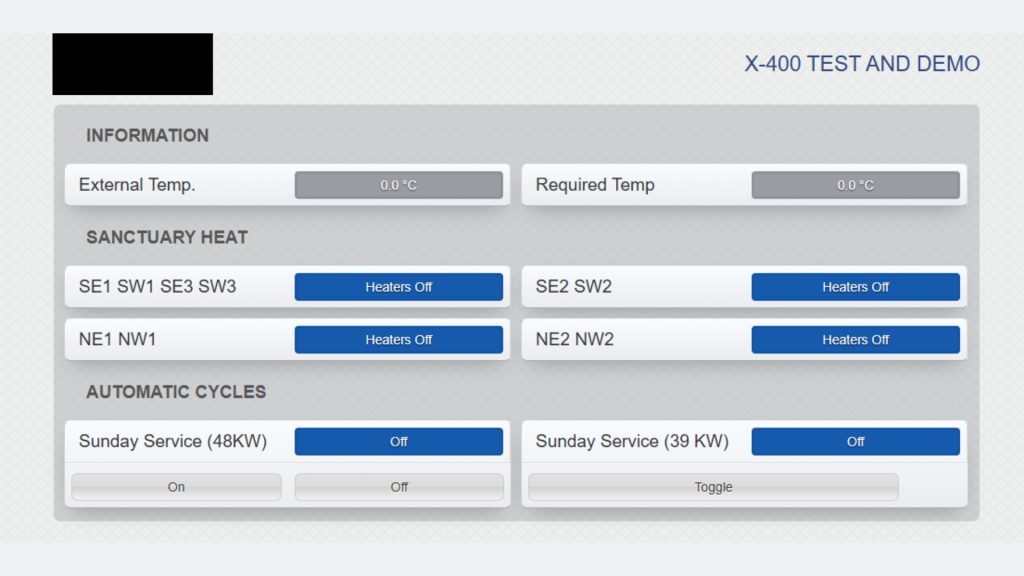
Each ControlByWeb device (from simple relays to advanced X‑Series controllers) includes a built‑in web server. Just point your browser to the unit’s IP address and you’re in, no installation, no drivers, no extra licensing.
Quick Setup & Live Control
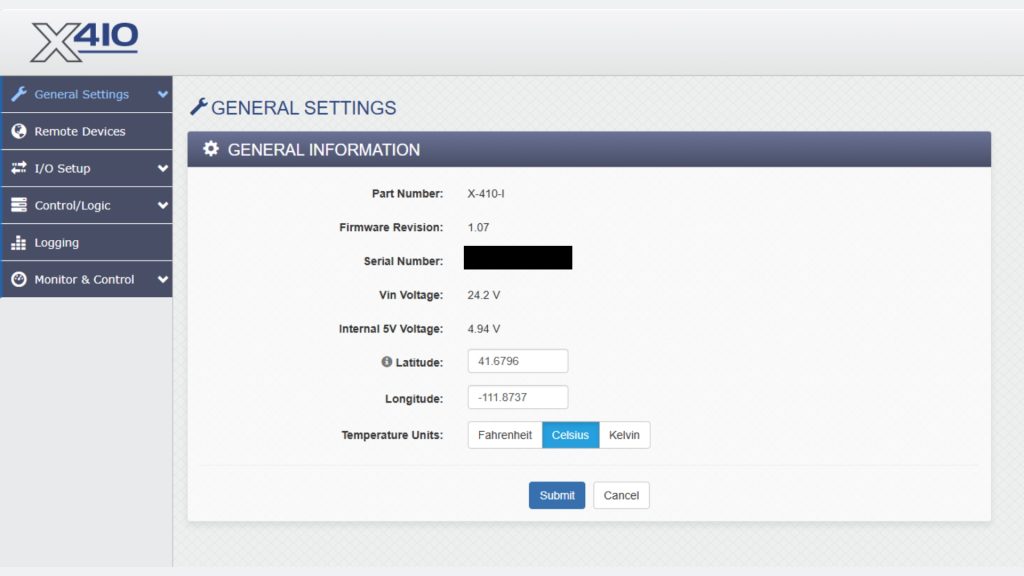
– Setup Forms: All network, Modbus/SNMP, email‑alert, and I/O parameters are handled with clear dropdowns and text fields. Click “Save” or “Apply” and you’re done, no hidden menus.
– Control Page: See every relay, sensor, and digital input update in real time. Tap a relay toggle on your phone to switch it on or off instantly. The page auto‑refreshes so you always have the latest status.
No‑Code Scheduling
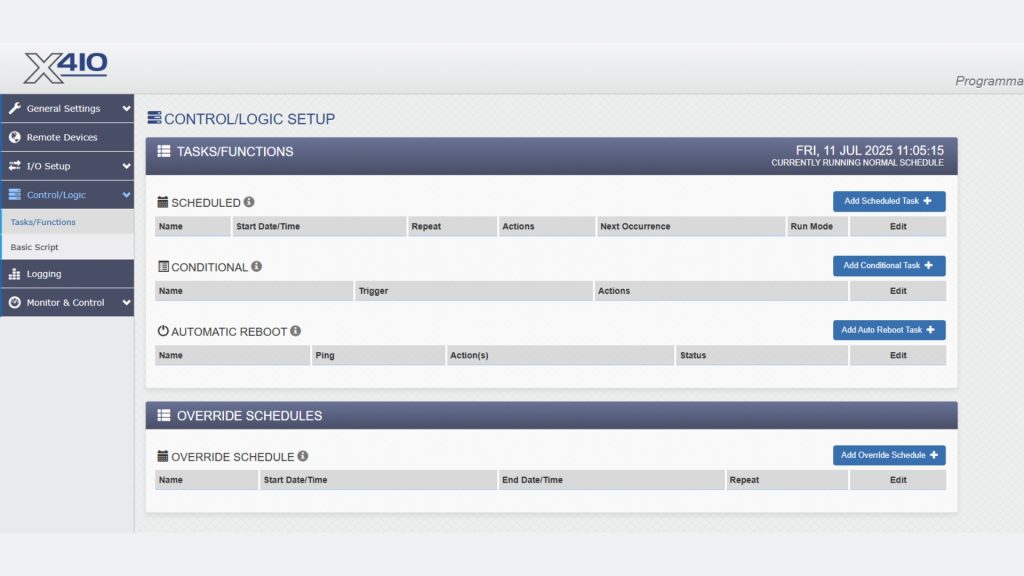
Forget ladder logic or scripting just to run simple tasks. ControlByWeb’s Task Builder uses drop‑down menus to define triggers (time, temperature, input change) and actions (relay control, log entry, email alert). You can set dozens of scheduled or conditional tasks in minutes—no programming background needed.
Built‑In Analytics & Logging
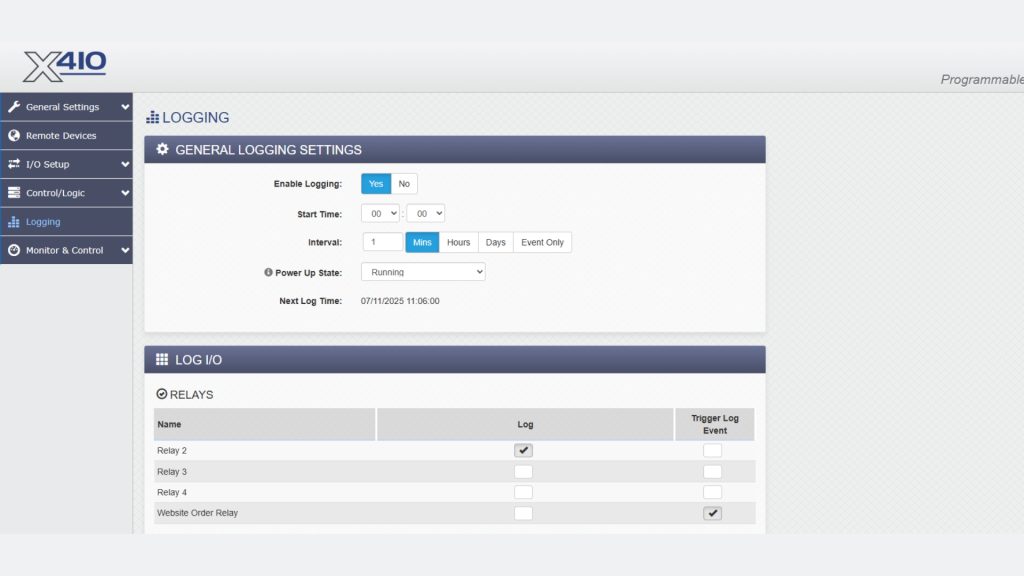
Choose which I/O points to record, set intervals or event triggers, and view interactive charts right in your browser. Pinch‑zoom on historical data to spot trends, then export logs via email or FTP for deeper analysis.
Protocol & Integration Support

ControlByWeb speaks all the common industrial languages, Modbus TCP/RTU, SNMP, HTTP/HTTPS, XML/JSON, SMTP, and even maps I/O peer‑to‑peer without a central server. That means you can link multiple devices together for mesh networking, or hook them into your SCADA system with open REST/XML APIs.
Getting Started
- Power & Connect: Plug in power (or PoE on supported models) and Ethernet or Wi‑Fi.
- Log In: Open your browser to the device’s default IP (e.g., 192.168.1.2) and enter the default credentials—then change them for security.
- Explore: Click through the sidebar: Configuration → Control → Tasks → Logging → (and more). You’ll be up and running in under ten minutes.
ControlByWeb’s browser‑based UI means less overhead and faster deployment for any project that needs reliable, remote I/O control and data logging. Ready to streamline your workflows? Discover more at ControlByWeb.com.